
Help guides · Receipts and documents
Divide a shared receipt between properties
- For
- Owners and administrators, Finance
- Booking system
- Hostaway and Uplisting
- Last checked
Use a property allotment when one bill routinely belongs to the same group of homes, such as fuel for a regular round. Each split must add back to the original amount.
Steps
- Open Money, then Receipts, then Commit property costs. Select the Property groups tab to reach Property allotments. The tab appears when you have documents access.
- Under Create an allotment, give the group a clear name.
- Tick the properties. Leave shares blank for an equal split, or fill every share so they total 100.
- Press Save allotment.
- Return to Commit property costs, select the waiting costs and check the preview before committing them.
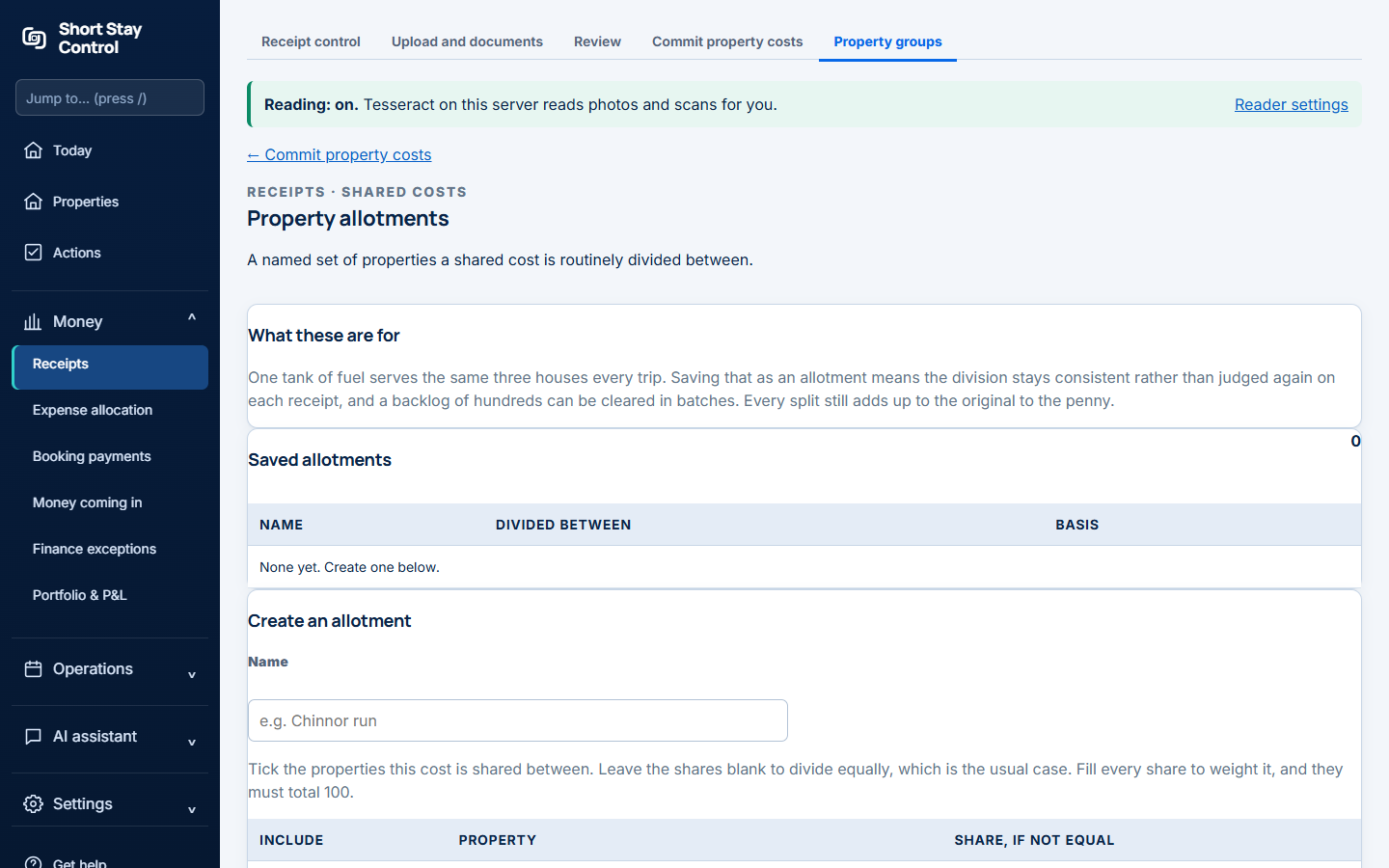
Figure 1. An allotment divides shared costs between named properties.
What you will see
Saved groups show their name, properties and whether they split equally or by stated shares. A cost marked not yet known is deliberately kept off every property's figures. Finance members and administrators can commit allocations; office managers can prepare receipt details according to their permissions.
If something goes wrong
- "None yet. Create one below." Make the first allotment in the form on this page.
- "No costs waiting." There are no uploaded or imported costs waiting for a property decision.
- If the preview says "Nothing has changed yet.", that is expected until you confirm the commitment.