
Help guides · Ask a question
Ask a question about your figures
- For
- Owners and administrators, Operations managers, Office managers, Finance, Facilities coordinators, Management read-only
- Booking system
- Hostaway and Uplisting
- Last checked
Ask a question is the artificial intelligence (AI) assistant for questions about your workspace's figures. It is separate from Get help, which is for help using Short Stay Control.
Steps
- As an administrator, open AI assistant, then Ask a question. Management read-only has a direct Ask a question menu link. Other roles with property viewing permission can open the page through a shared link.
- Read the data scope shown on the page.
- Type a question about a property or your portfolio and select Ask.
- Check the answer's figures and source context before acting on it.
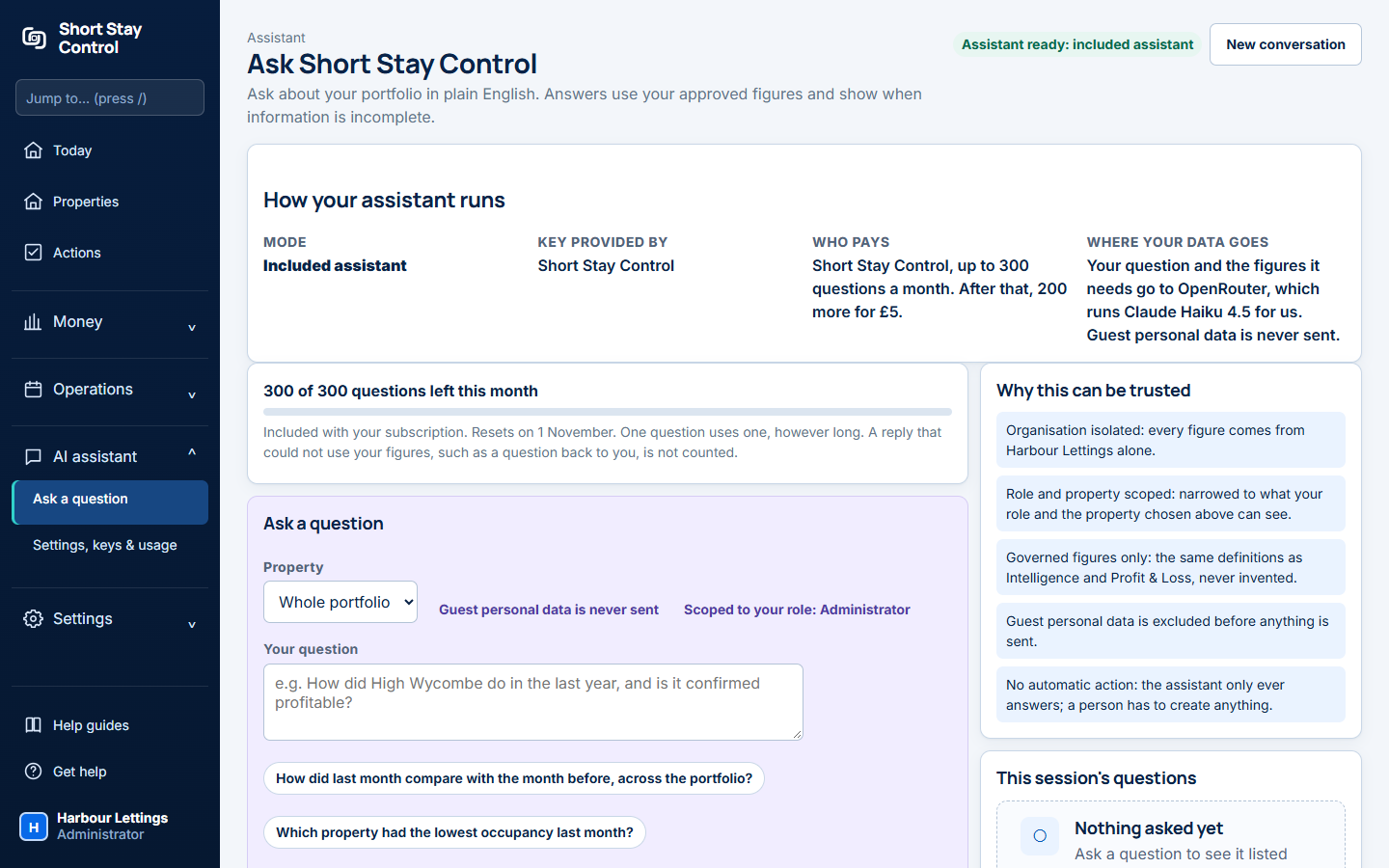
Figure 1. The assistant page in the demonstration workspace. Its figures are invented.
What you will see
The assistant uses the workspace's governed figures. It can have included question credits or an administrator's own model key. Administrators control its settings and usage. The demonstration assistant answers from invented data. It does not read guest messages.
If something goes wrong
- "The assistant is not ready to use yet." Ask an administrator to open Settings, keys & usage and finish the setup.
- "Nothing asked yet" means this session has no earlier questions. Type a question to start.
- If the reply asks you to clarify rather than using your figures, the page says that reply is not counted as a question credit.