
Help guides · Settings
Cancel subscription renewal
- For
- Owners and administrators
- Booking system
- Hostaway and Uplisting
- Last checked
Turning off renewal stops the next subscription payment. Your existing access continues until the date shown on the confirmation page.
Steps
- Open Settings, then Plan and billing.
- In Renewal and cancellation, choose Cancel subscription.
- On Cancel your subscription, check the plan, commitment, access end date and refund wording.
- Press Switch off automatic renewal and confirm.
- Keep the confirmation email. You can restart renewal before access ends.
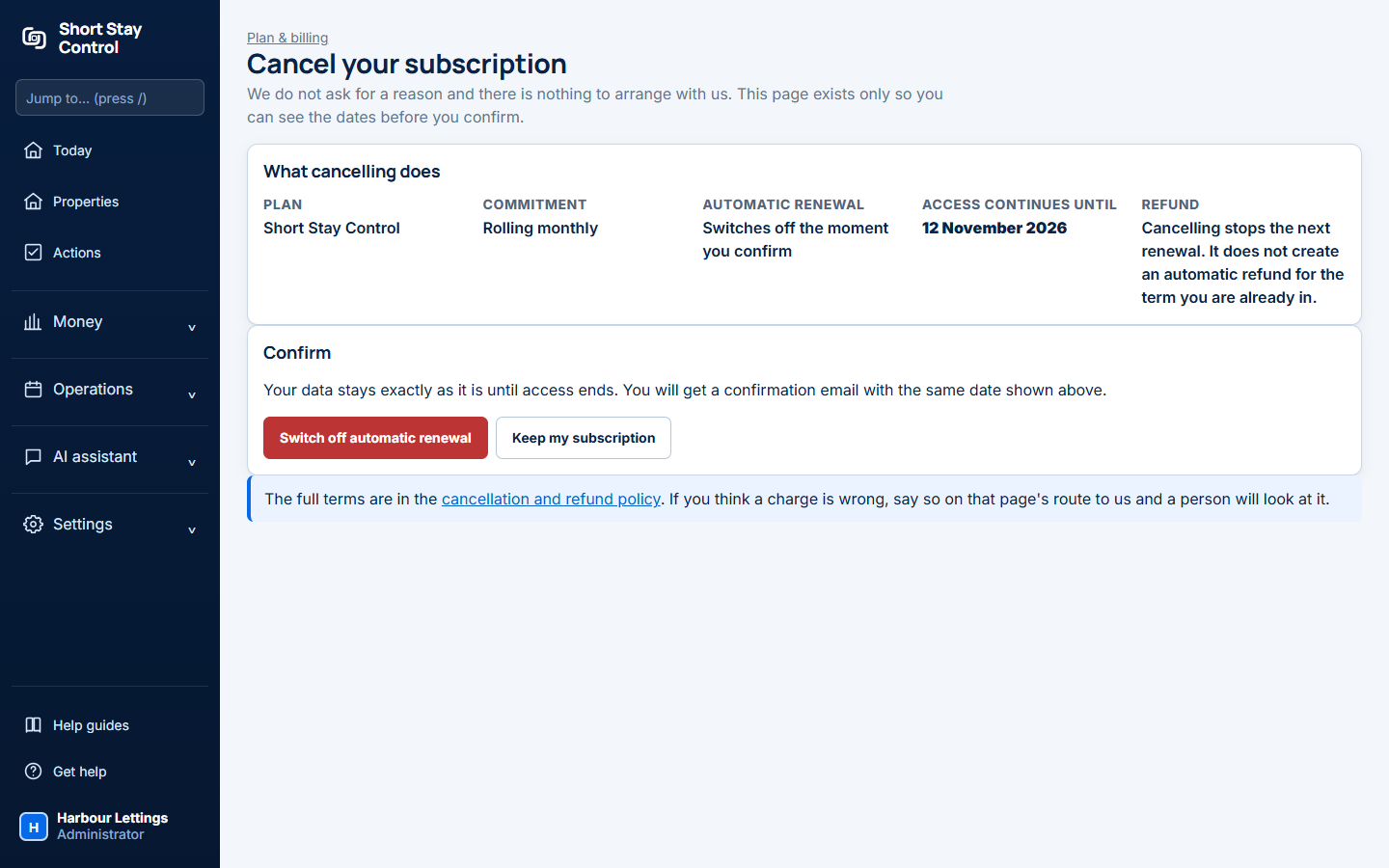
Figure 1. The cancellation page in a local test workspace before renewal is switched off.
What you will see
The cancellation page says what cancelling does. Renewal switches off when you confirm, but the current paid term continues. Cancelling does not automatically refund the term already under way. Only an administrator can cancel a subscription. Closing a workspace is a separate action.
If something goes wrong
- "Renewal is already switched off" means no further cancellation is needed.
- "Automatic renewal is switched off" confirms the next renewal payment will not be taken.
- If you believe a charge is wrong, use the contact route in the [cancellation and refund policy](42-cancellation-refunds.md) so a person can review it.