
Help guides · Before you sign up
Find the cancellation and refund policy
- For
- People choosing a plan, Owners and administrators
- Booking system
- Hostaway and Uplisting
- Last checked
This public policy explains how to stop renewal, what happens to access and data afterwards, and when a refund may be considered.
Steps
- Open Cancellation and refunds from the footer or sign-up page.
- Read the sections about your subscription term, cancellation and refunds.
- If you are signed in, open Settings, then Plan and billing to see the dates for your own subscription.
- Use the policy's contact route if you think a charge is wrong.
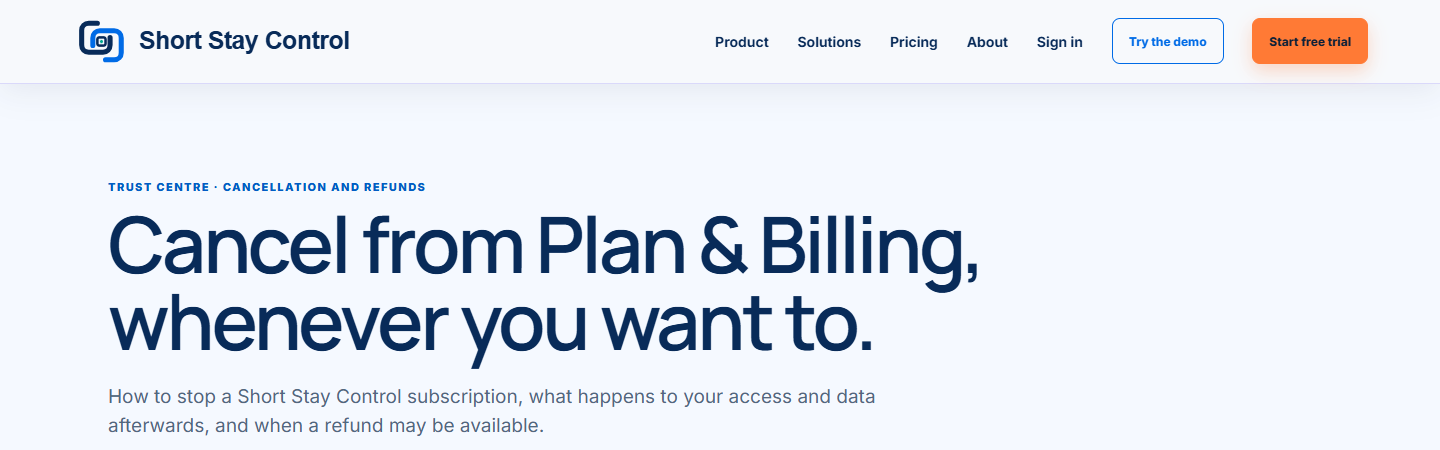
Figure 1. The public policy page. Check the current page before making a decision.
What you will see
The page is headed "Cancel from Plan & Billing, whenever you want to." Its policy applies alongside the terms and privacy notice. Your signed-in cancellation page shows your own access end date before you confirm.
If something goes wrong
- If "Renewal is already switched off" appears in your workspace, no second cancellation is needed.
- If the payment date or amount seems wrong, contact the team using the route in the policy before assuming a refund has been granted.
- Closing a workspace is separate from cancelling renewal. Read [Close a workspace](34-close-workspace.md) before deleting data.