
Help guides · Before you sign up
Review cookie settings
- For
- People choosing a plan, Owners and administrators
- Booking system
- Hostaway and Uplisting
- Last checked
The public Cookie settings page explains which cookies the website uses.
Steps
- Open Cookie settings from the website footer. The separate Cookies policy gives the longer policy wording.
- Read the explanation of essential cookies and the analytics status.
- Return to the page later if you want to check whether the policy has changed.
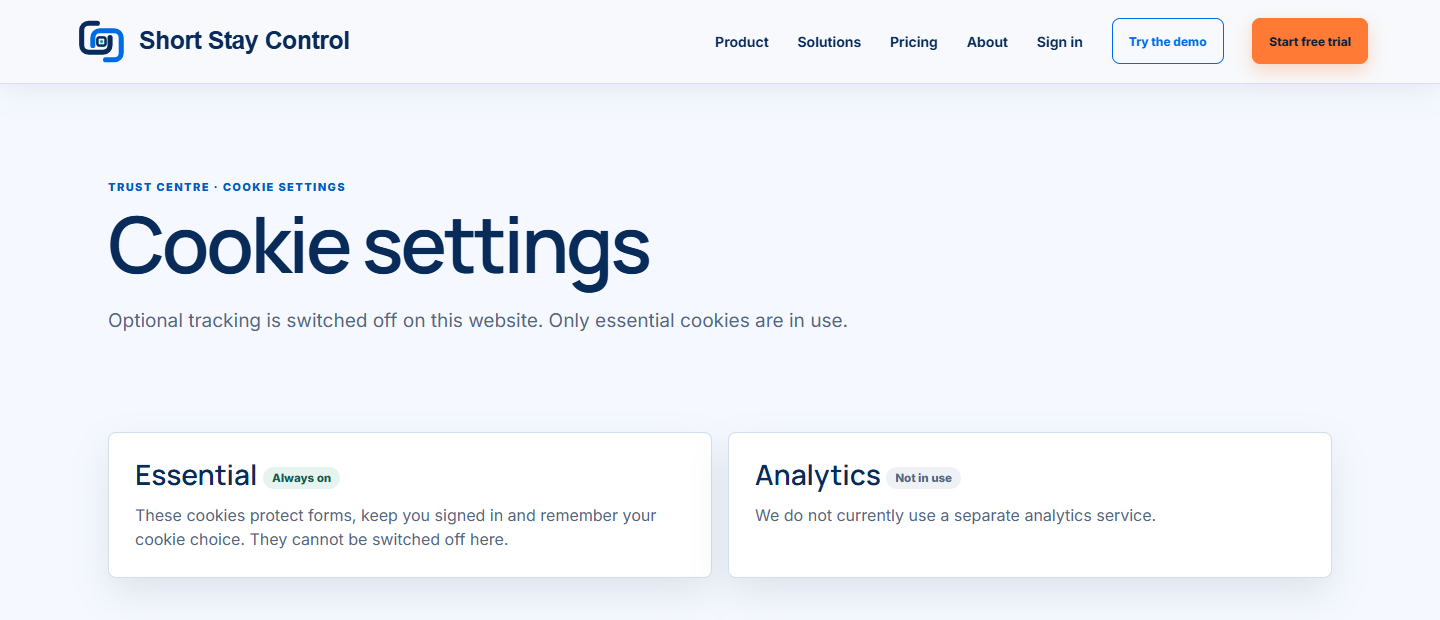
Figure 1. Cookie settings on the local public website.
What you will see
The page is headed "Cookie settings". It currently says "Optional tracking is switched off on this website. Only essential cookies are in use." Essential cookies protect forms and keep you signed in. The demo also links here.
If something goes wrong
- If the browser blocks cookies, sign-in or the demo may not retain a session. Check your browser's site settings.
- See the [privacy notice](39-privacy-and-cookies.md) for how information is used and kept.