
Help guides · Today and figures
Check data confidence
- For
- Owners and administrators, Finance
- Booking system
- Hostaway and Uplisting
- Last checked
Data confidence explains how complete the information behind a figure is. Check it before comparing properties or exporting a report.
Steps
- On Today, read the strip above the figure cards.
- Select Review data confidence to open Portfolio & P&L (profit and loss) and inspect missing matches or costs.
- In Settings, then More settings, an administrator can open Data Conductor to inspect source fields and record a decision where the source wording is unclear.
- Check the last import in Connections if the figures look old.
Finance: open Portfolio and P&L directly from the main menu. Review data confidence opens that report. Only administrators have Settings, then More settings, then Data Conductor.
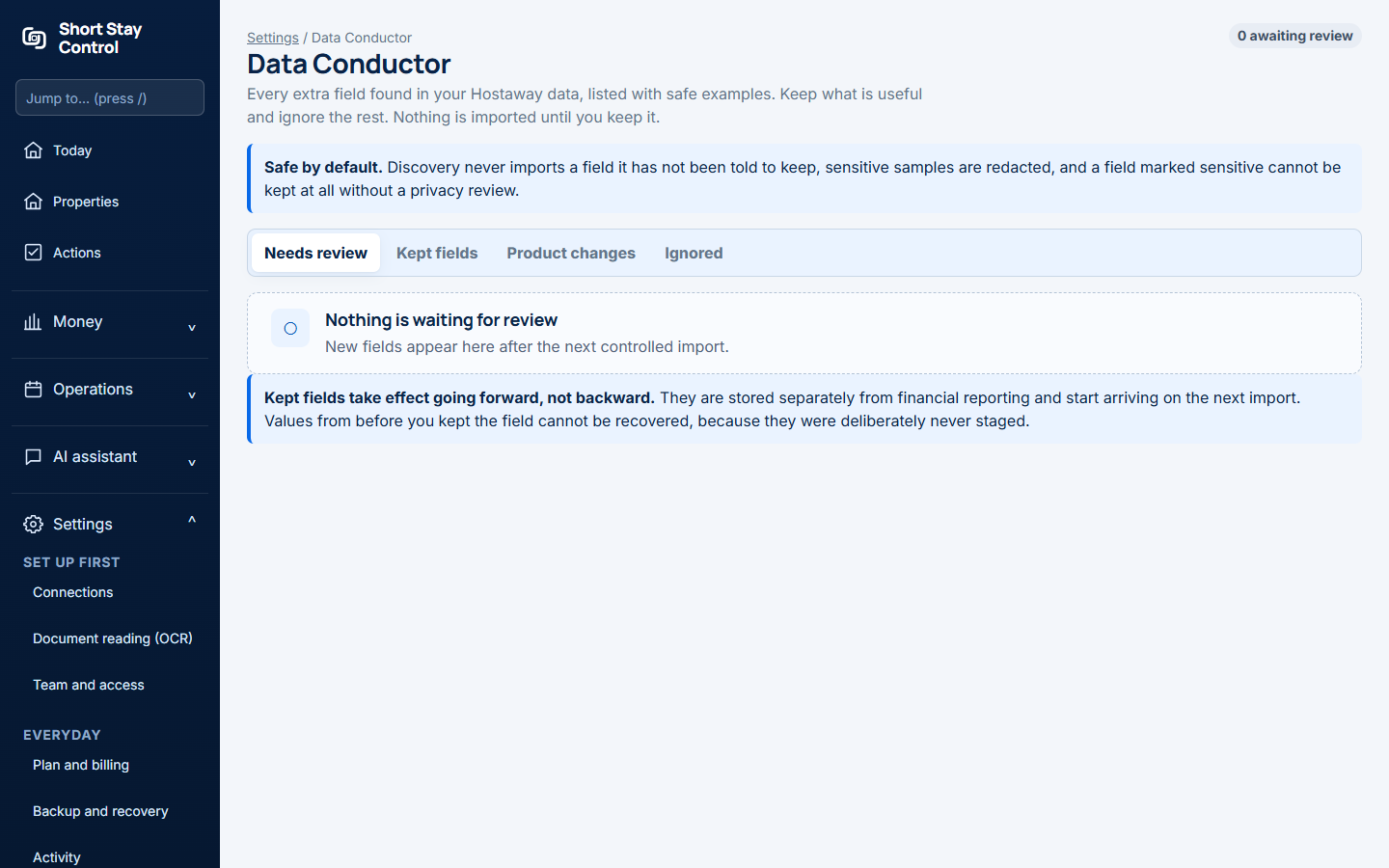
Figure 1. Data Conductor, where an administrator reviews imported field meanings.
What you will see
Today shows the provider, property matching and cost completeness. Data Conductor shows how source fields are understood. A complete match is not a promise that every cost has been recorded. The offline dashboard separately shows finance coverage and unresolved costs. Only administrators can change source field decisions; finance members can review the resulting reports.
If something goes wrong
- If the setup guide says "Workspace not ready yet.", finish the provider connection before treating blank figures as zero.
- If the report says expenses "cannot be tied to a verified property", review the property match and evidence for those expenses.
- If a source field has an unfamiliar meaning, leave it under review and ask an administrator to check it rather than assigning a value by guesswork.