
Help guides · Settings
Download your workspace data
- For
- Owners and administrators
- Booking system
- Hostaway and Uplisting
- Last checked
An administrator can download a copy of the workspace's records and receipt evidence. Keep this file private because it can contain business and booking information.
Steps
- Open Settings, then Plan and billing.
- Select Download workspace data.
- Save the ZIP file in a controlled location.
- Open its manifest and check the included tables and original receipt files.
- If you want a report that works offline, use [Offline dashboard](27-offline-dashboard.md) separately.
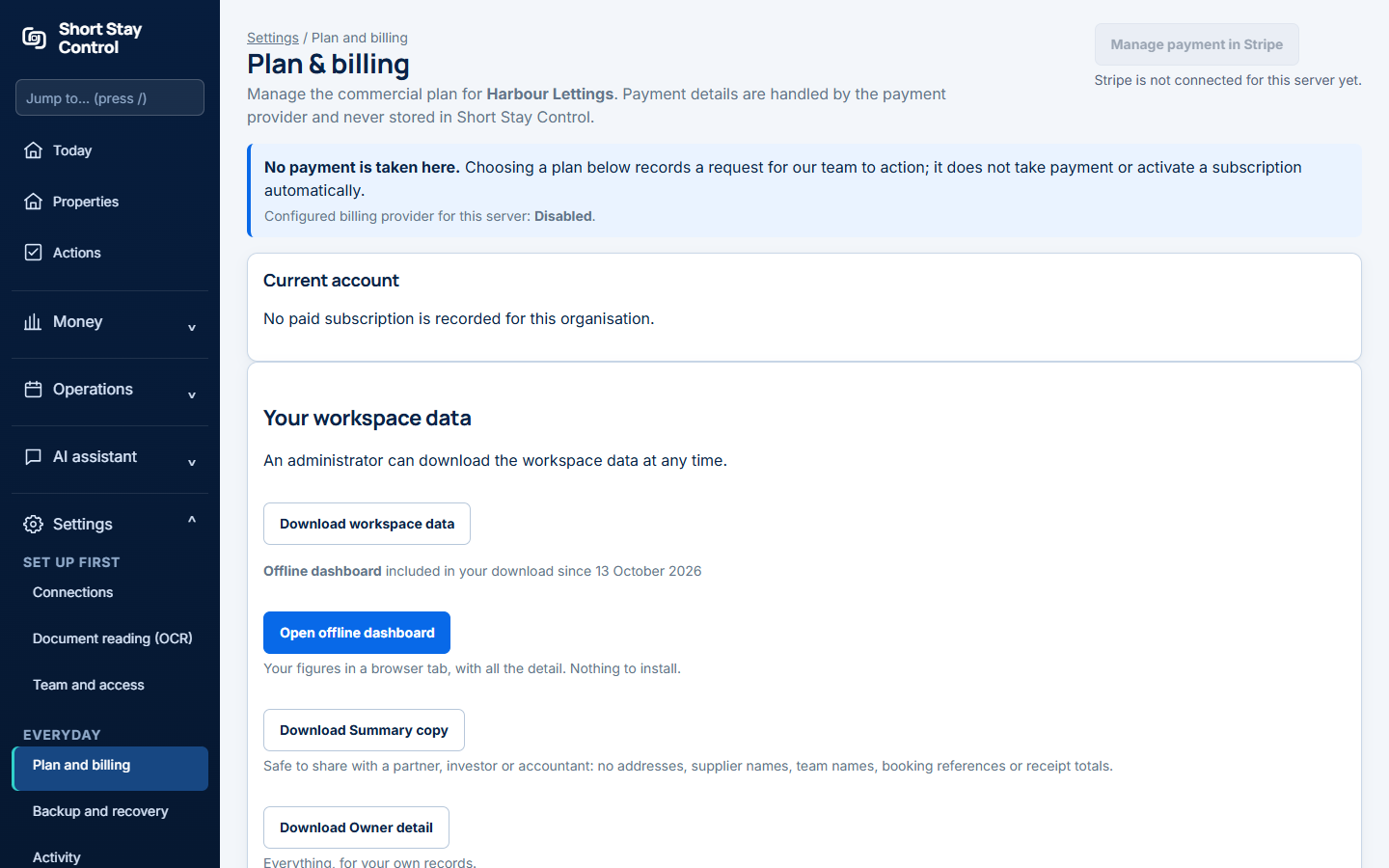
Figure 1. The workspace data download control. Selecting it starts a file download rather than opening a new page.
What you will see
The ZIP archive (a compressed download) includes comma-separated value files, often called CSV files, for workspace records, plus original receipt evidence and a manifest. A CSV file is a table that spreadsheet programs can open. The offline dashboard is a different, more readable snapshot of reporting figures. Only administrators can request the full workspace export.
Administrators can also open Settings, then Backup and recovery to review backup evidence. Its evidence.csv download is a backup evidence report, not the full workspace export described above.
If something goes wrong
- If no new page appears, check your browser's downloads. The control starts a ZIP download directly.
- If a workspace is closed after a paid term, the banner gives a dated Export workspace data link. Download before that deadline.
- "The export could not be prepared. Please contact support before your export deadline." Contact support promptly if the ZIP cannot be made.
- A Stripe free trial cannot download workspace data, during the trial or after closing it. The closure page says the data "cannot be downloaded or restored."