
Help guides · Costs
Investigate imported expense allocation
- For
- Owners and administrators, Finance
- Booking system
- Hostaway
- Last checked
Expense allocation shows Hostaway costs that need a property decision before the property report can be trusted.
Steps
- Open Money, then Expense allocation.
- Choose Needs investigation to see outstanding items.
- Read the source listing and payment history before choosing a property.
- For a listing that no longer exists, choose Create property & recover its expenses, provide an evidence document that ties the listing to the address, and check the property identity against that document before approving. Add it is in the property-selection area.
- Return to the report and check that the cost now appears against the intended property.
Finance and management read-only: open Expense allocation directly from the main menu in a Hostaway workspace. Only members with change access can alter allocations.
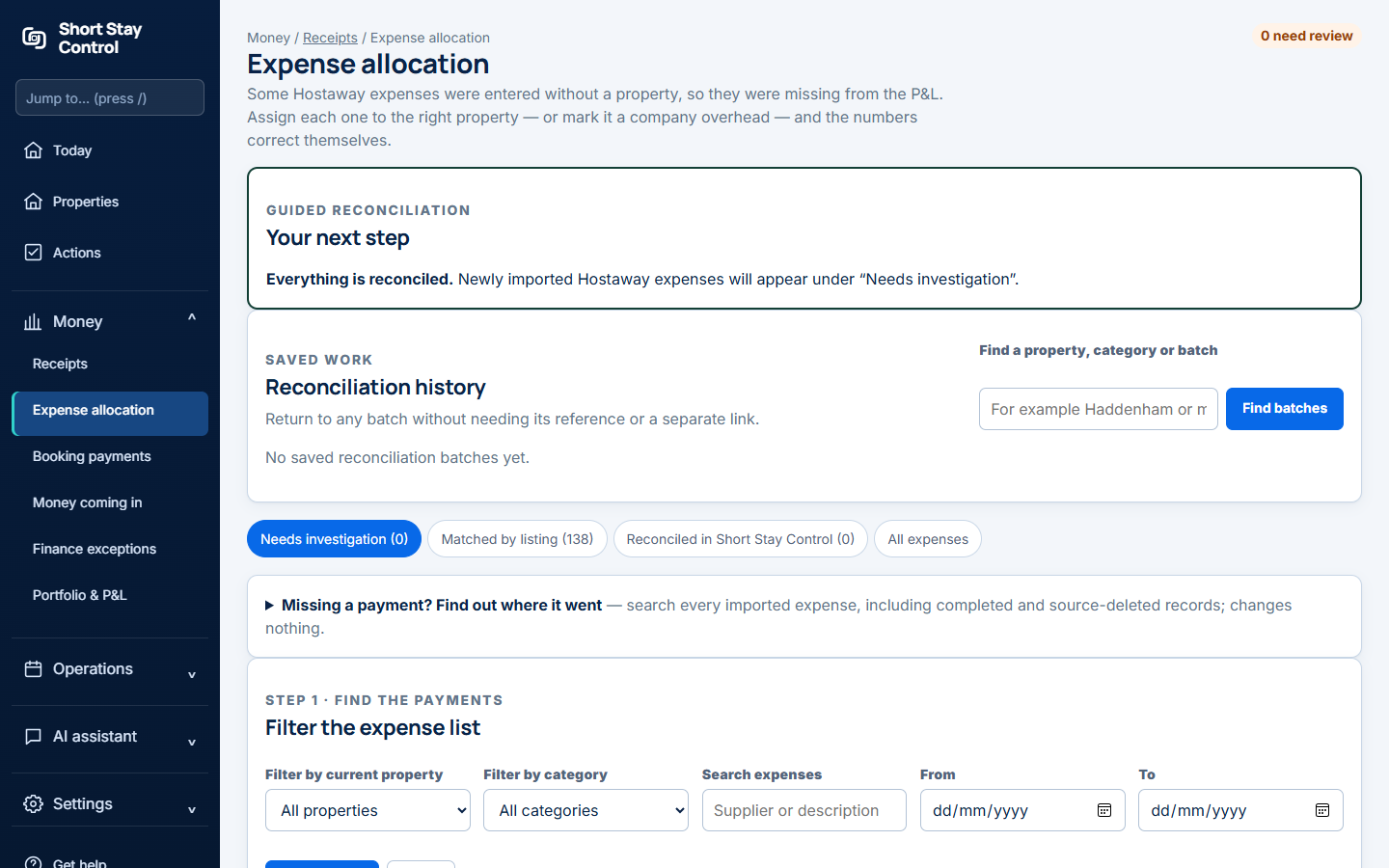
Figure 1. Imported expenses and investigation controls.
What you will see
Unresolved costs count in portfolio totals but are not attached to a property until identity is verified. A typed name alone does not move money. This screen reads Hostaway expenses; it does not send anything to Hostaway. Finance members can work on financial records according to their permissions. Uplisting does not supply imported costs, so its costs start with receipts in Short Stay Control.
If something goes wrong
- "Nothing in this view." If you chose Needs investigation, every imported expense may already be attached to a property.
- "No saved reconciliation batches yet." No batch has been approved so far.
- If a property is absent, use Add it from the confirmation area and verify its identity before assigning historical costs.