
Help guides · Money
Export a portfolio report
- For
- Owners and administrators, Finance
- Booking system
- Hostaway and Uplisting
- Last checked
Export the current portfolio view when you need to work with its figures in a spreadsheet.
Steps
- Open Money, then Portfolio & P&L. P&L means profit and loss.
- Choose the reporting period, property scope and report tab.
- Read the data confidence notices and resolve important gaps.
- Press Export CSV. CSV means comma-separated values, a table format spreadsheets can open.
- Check the downloaded file's dates and headings before sharing it.
Finance and management read-only: open Portfolio and P&L directly from the main menu. Export rights still depend on your permissions.
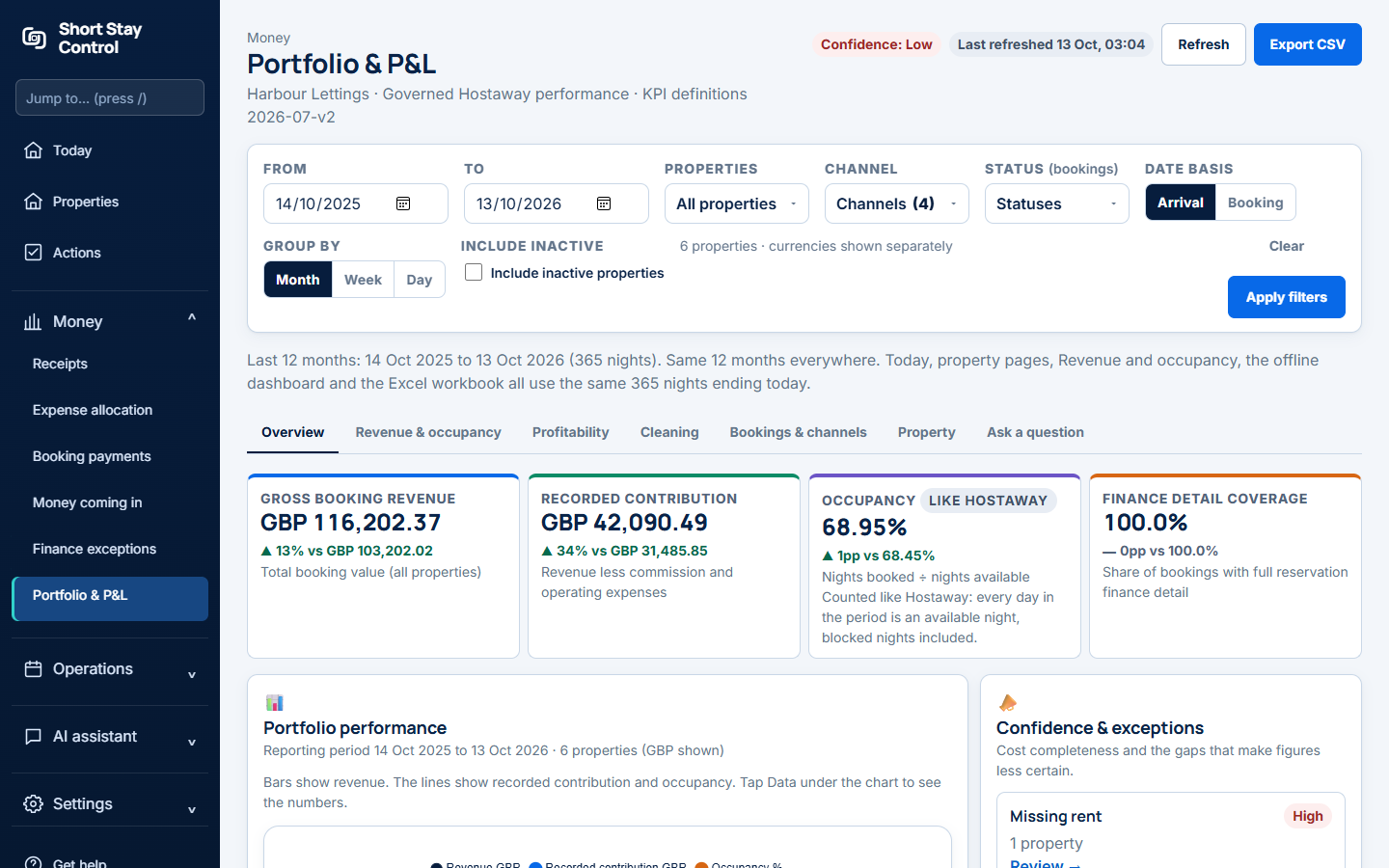
Figure 1. The report's Export CSV control.
What you will see
The export follows the current filters and tab. It is a snapshot at the time of download. For a fuller workspace archive with receipts and records, use [Download your workspace data](33-download-your-data.md). For a readable file that works offline, use [Offline dashboard](27-offline-dashboard.md). Finance members can use report exports where their role grants finance viewing.
If something goes wrong
- If the file has fewer rows than expected, return to the report and check the date, property and tab filters.
- If expenses "cannot be tied to a verified property", review allocation before treating property totals as complete.
- If the file does not open as a new page, check the browser's downloads; Export CSV starts a download.