
Help guides · Before you sign up
Explore the guided demo
- For
- People choosing a plan
- Booking system
- Hostaway and Uplisting
- Last checked
The demo lets you see Short Stay Control with invented properties and figures. It does not connect to your booking system or change your account.
Steps
- Select Try the demo on the website. It opens the contact page; enter the five requested details to open the demo.
- Follow the guided steps for Hostaway or Uplisting. Your demo link lasts 7 days.
- Select Explore the demo or Skip to the demo to open the simulated workspace.
- Visit Today, a property, receipts and reports. Use Book a review if you want someone to show you how it would apply to your business.
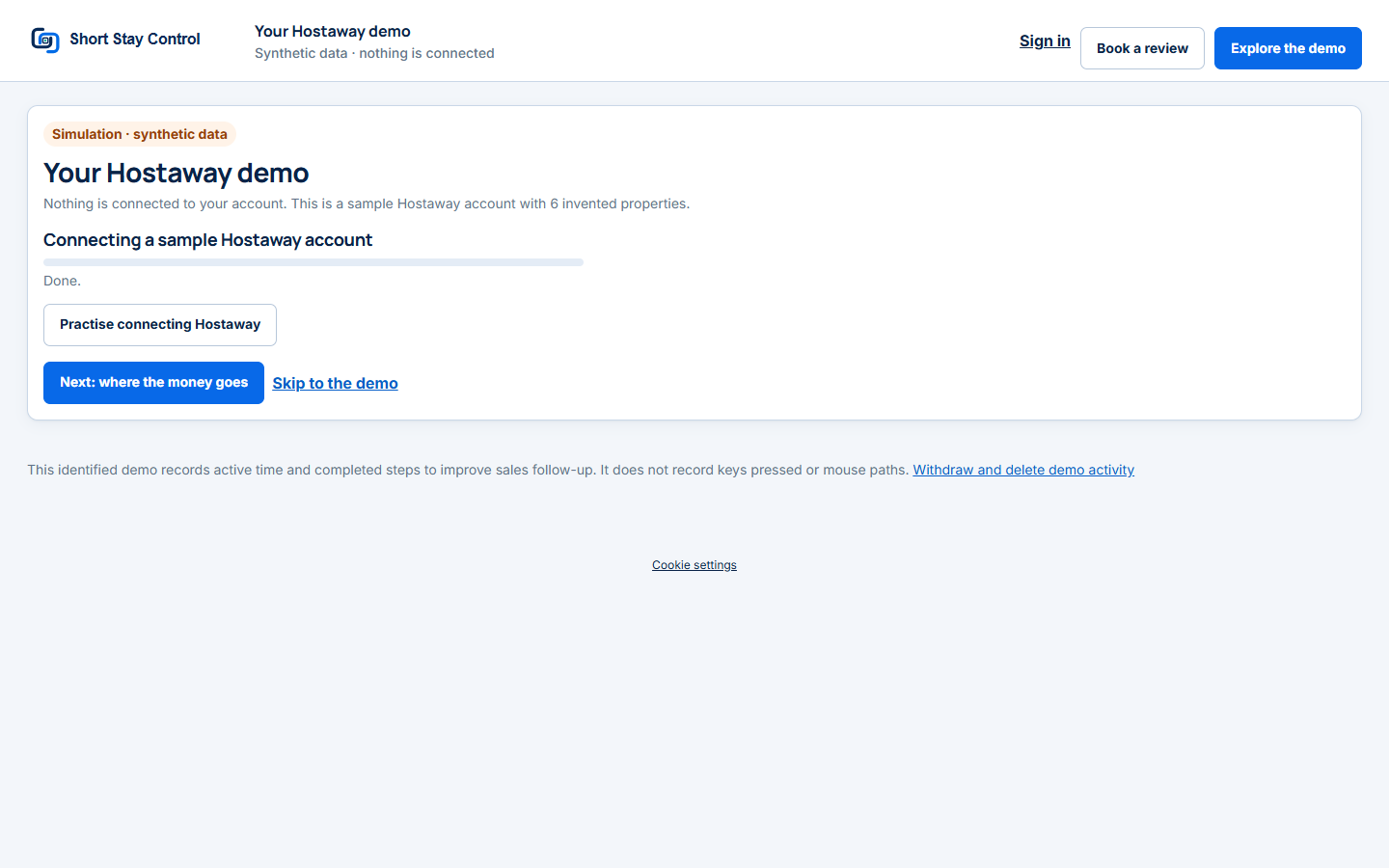
Figure 1. A local Hostaway demo link with synthetic data only.
What you will see
The page says "Simulation · synthetic data" and "Nothing is connected to your account." The demonstration workspace shows invented Harbour Lettings data with either booking system. The demo records active time and completed steps, and offers a link to withdraw and delete that activity.
If something goes wrong
- "This demo link has expired." Request a new demo link.
- If a demo screen says it cannot be changed, that is the expected read-only demonstration boundary.
- Support requests are not sent from a demo visitor's workspace. Use Book a review there.