
Help guides · Team and roles
Invite someone to your team
- For
- Owners and administrators
- Booking system
- Hostaway and Uplisting
- Last checked
Give each colleague the access needed for their job and review it before sending an invitation.
Steps
- Open Settings, then Team and access.
- Select Invite someone.
- Enter their work email, choose a role and set the property scope where offered.
- Preview the role, then use Send invitation in Check before sending.
- Check Pending invitations to resend or revoke one that has not been accepted.
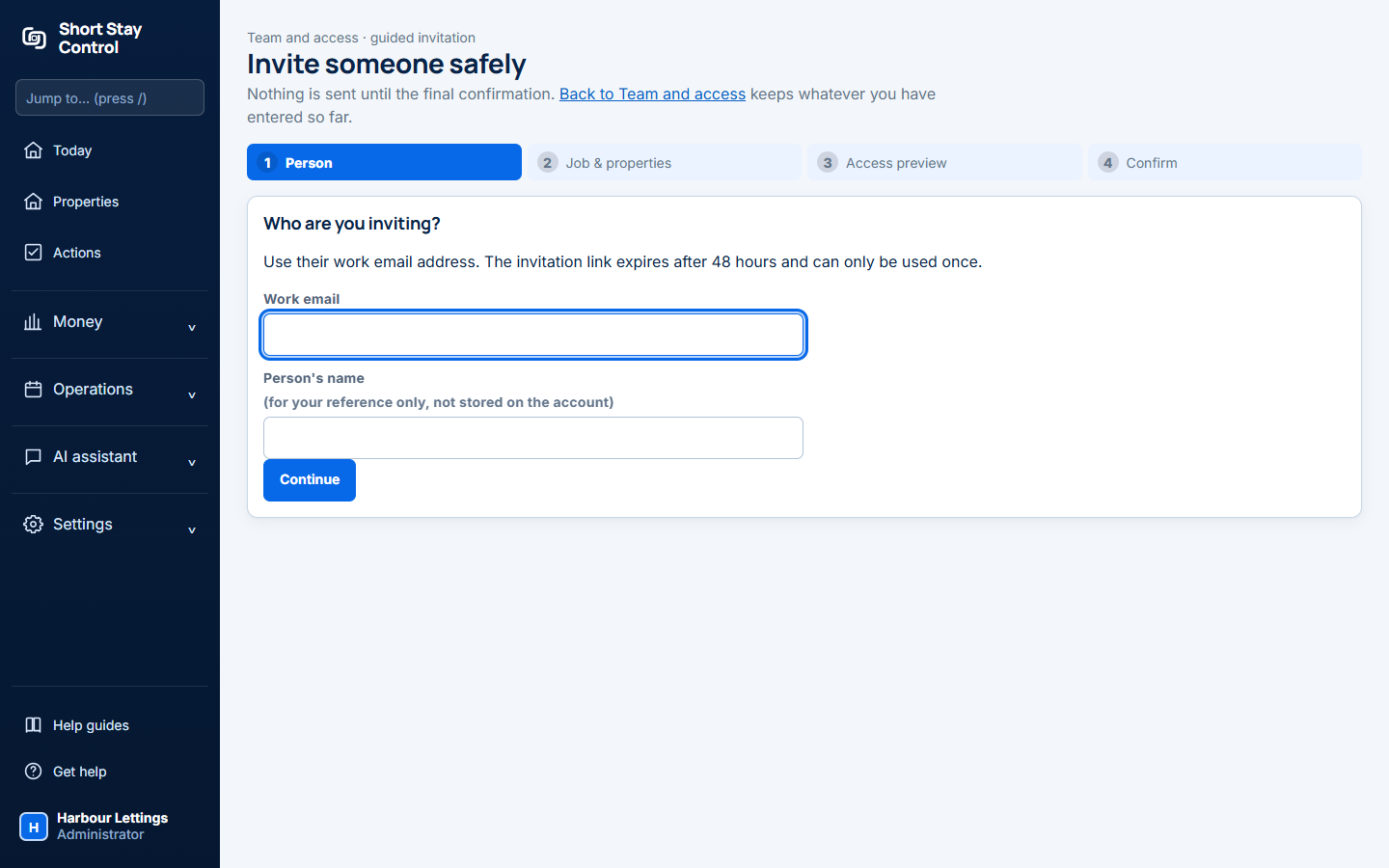
Figure 1. The invitation wizard before any real invitation is sent.
What you will see
The invited person gets a link to choose a password. The page shows the role, invitation status and property scope. Administrator is a high trust role with billing, integration and team access that cannot be reduced. Only administrators can manage invitations.
If something goes wrong
- "No invitations yet" means none has been created in this workspace.
- "Administrator is a high-trust role." Check the access it grants before sending the invitation.
- After an invitation is queued, the page says "If it does not arrive, check their spam folder or send them this link yourself. It is shown once." Copy the one-time link before leaving.
- "Email is not switched on for this server, so nothing is sent automatically." Copy the invitation link when it appears; the page shows it once.