
Help guides · Before you sign up
Check the current price
- For
- People choosing a plan
- Booking system
- Hostaway and Uplisting
- Last checked
The pricing page lets you choose a property count and compare the available Short Stay Control plan terms before sign-up.
Steps
- Open Pricing.
- Enter how many properties you run.
- Read the displayed monthly amount and what it includes. New sign-ups use a rolling monthly plan.
- Check the cancellation terms before continuing. Older introductory-term customers may have a different commitment under their existing terms.
- Choose the guided demo if you want to explore invented figures first.
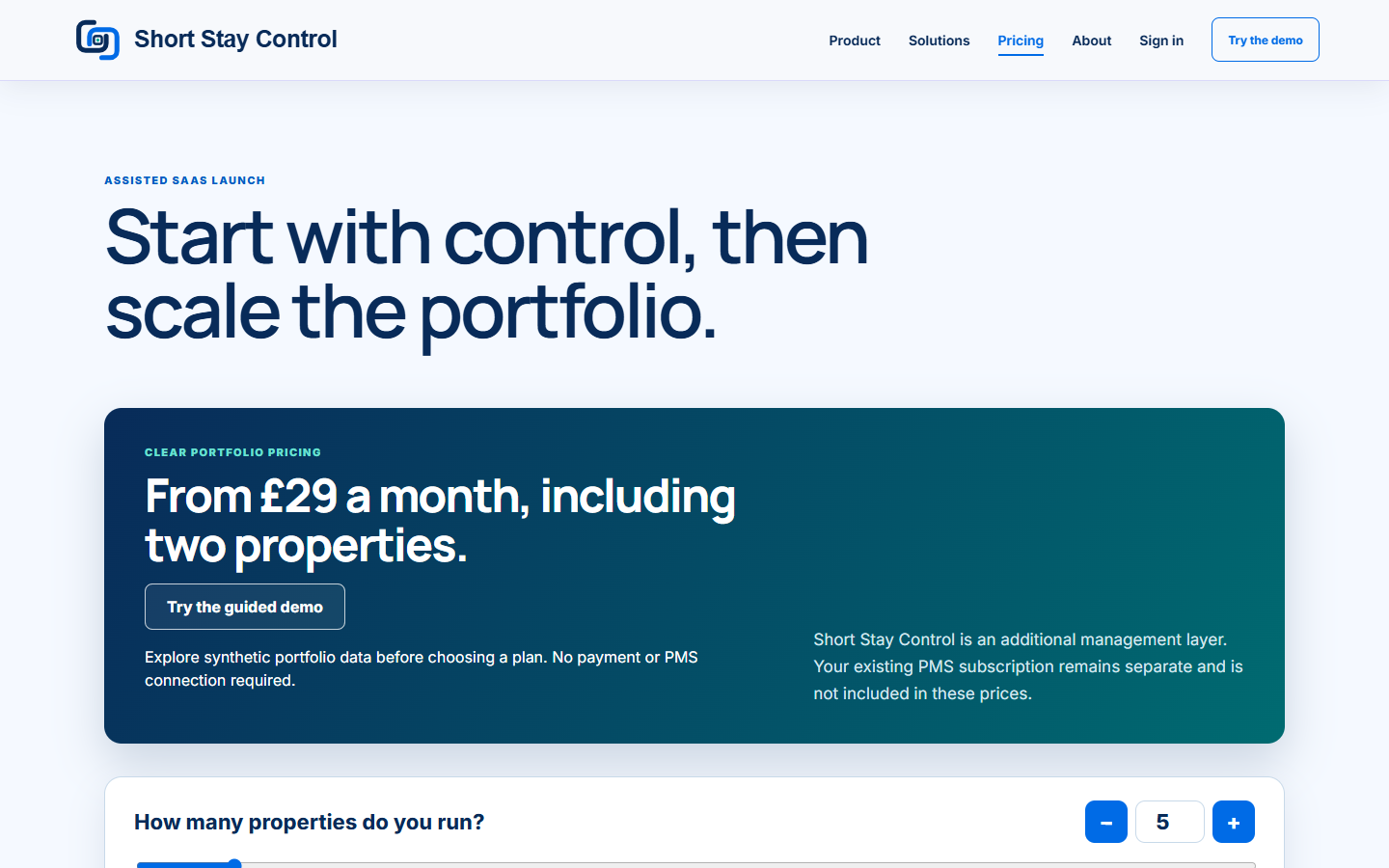
Figure 1. Pricing as displayed on the locally run website on 13 October 2026. Check the live page for the current amount.
What you will see
The page says "Start with control, then scale the portfolio." It explains that Short Stay Control is an additional management layer and your existing booking system subscription is separate. The sign-up page shows the amount again before you confirm.
If something goes wrong
- If the price does not update, check the property count box and use its plus or minus buttons.
- If you are unsure which terms apply, read the plan details and the [terms](40-terms.md) before signing up.
- If a shown amount differs from a later checkout, stop before entering card details and ask support to review it.