
Help guides · Costs
Add a property's running costs
- For
- Owners and administrators, Operations managers, Office managers, Finance, Facilities coordinators
- Booking system
- Hostaway and Uplisting
- Last checked
Running costs are rent, mortgage, utilities, cleaning and other costs needed to operate a home. Their required categories depend on whether the home is rent-to-rent, owned, managed for an owner or another arrangement.
Steps
- Open Properties, choose a property, then open Costs and Operating costs.
- Read its operating model and Required costs & completeness.
- To add several costs, download the template, enter one row per cost and upload it.
- Press Check the file and review the preview. On the single-property page, upload again with Validate only (do not import yet) unticked to import the checked rows. The Import these N rows button appears only on the several-properties page.
- For one cost, open Add one cost and enter its category, amount and frequency.
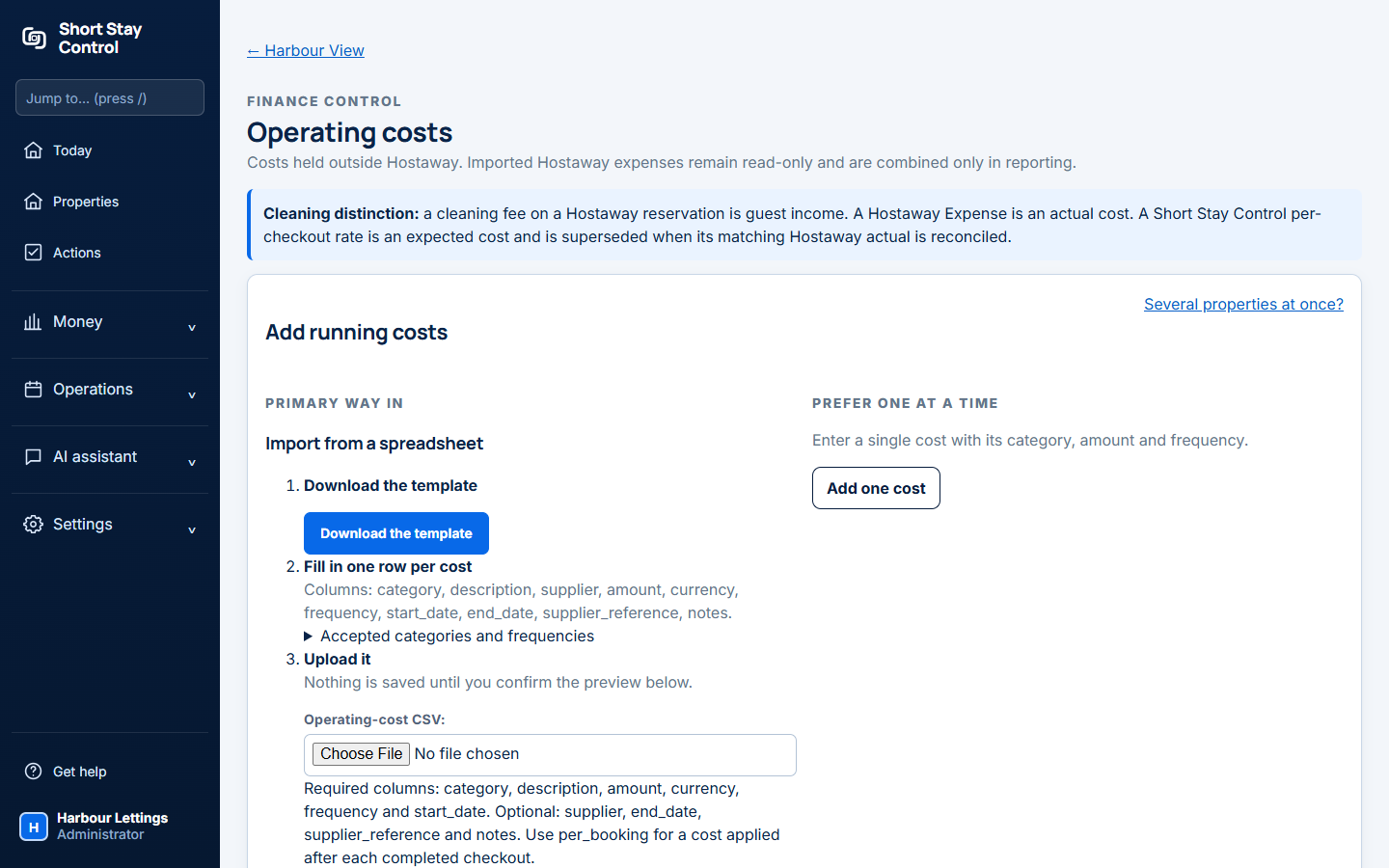
Figure 1. Running cost controls on a property's page.
What you will see
The property can be Rent-to-rent (we pay rent), Owned (we pay a mortgage), Managed for an owner (we take a fee), Other or Not set yet. A cleaning fee on a booking is guest income; a cleaning receipt is an actual cost; a per-checkout rate is an expected cost. The Hostaway page says "A Hostaway Expense is an actual cost." On Uplisting, running costs stay in Short Stay Control because Uplisting does not send them. Administrators, operations managers, office managers, finance members and facilities members assigned to the property can manage these records when their role permits it.
If something goes wrong
- "Nothing was imported." Read the listed row errors, correct the sheet and try again.
- "Nothing is saved until you confirm the preview below." The first file check is only validation.
- "Not confirmed profitable" means a required cost category is still missing for the property's arrangement.