
Help guides · Properties
Use the property setup and compliance checklist
- For
- Owners and administrators, Operations managers, Office managers, Finance, Facilities coordinators
- Booking system
- Hostaway and Uplisting
- Last checked
The checklist keeps safety, fire, insurance, legal and operating records beside each property. It helps your team see what is verified and what still needs evidence.
Steps
- Open Properties, then choose a property.
- Open Setup & compliance and select Open setup checklist.
- Review each required control, its owner and due date. Generate the standard checklist if it has not been created.
- Open a task to record evidence, mark it verified or say why it does not apply.
- Return to the checklist to see which controls remain open.
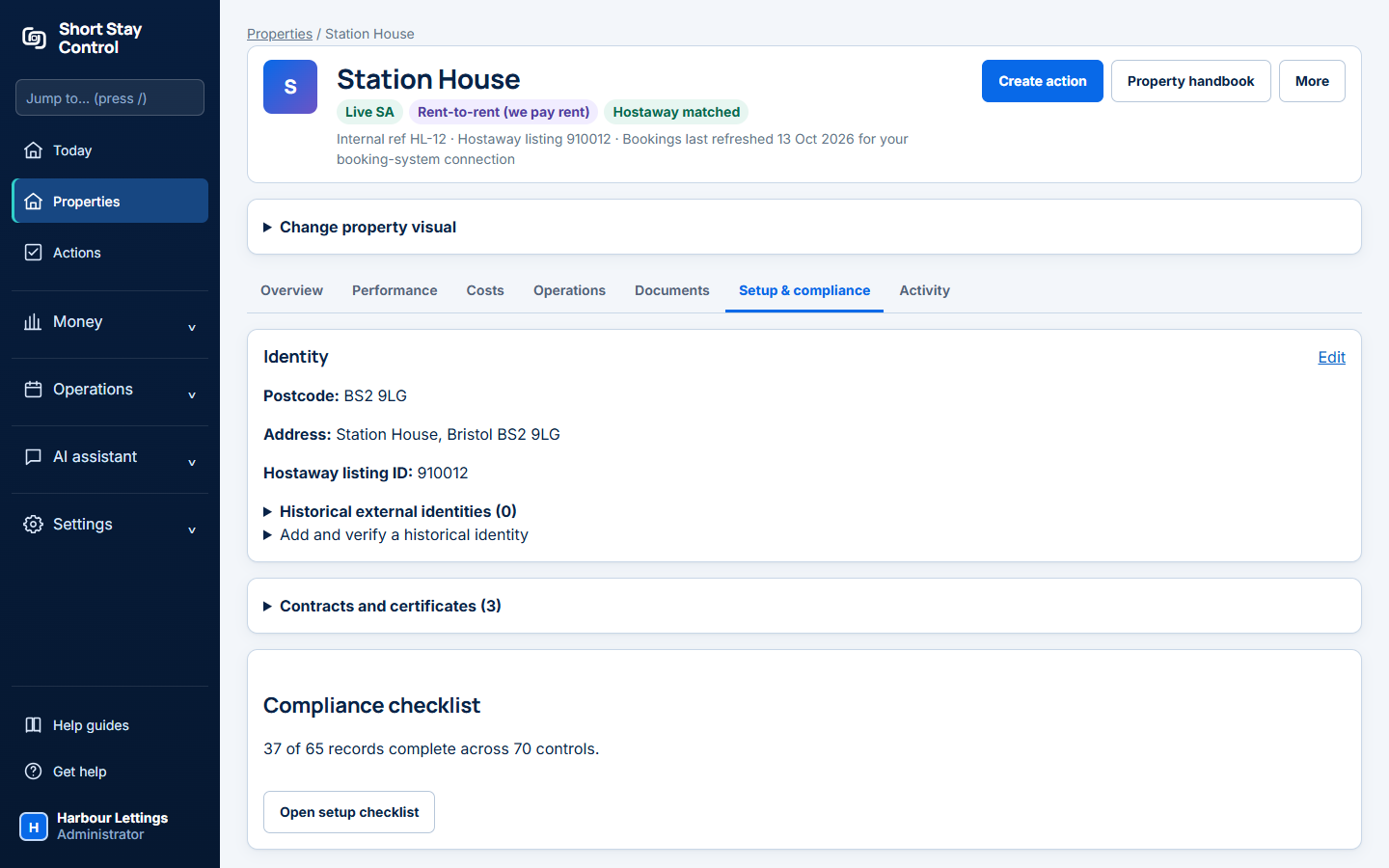
Figure 1. The Setup & compliance tab and its Open setup checklist button.
What you will see
The page separates stages of property setup. For a property already live in the booking system, the page says that incomplete records do not stop bookings. For a property you are preparing to launch, required blockers must be complete or explicitly marked not applicable before it can be marked launch ready. Members with operations, facilities or finance change access can manage these records, including office managers, facilities and finance when those permissions apply. Facilities members see the properties assigned to them.
If something goes wrong
- "No controls generated yet for this stage" means the standard checklist has not been made. Use the button beneath that message.
- "No evidence uploaded yet" means there is no file for the control. The page suggests opening onboarding, but that link is not in the customer menu. Ask your administrator how to add the evidence; this is recorded in [Product notes](PRODUCT-NOTES.md).
- If the page says a required blocker remains, open that row and check its evidence and status. Viewing the checklist alone does not complete it.