
Help guides · Before you sign up
Find the security page
- For
- People choosing a plan, Owners and administrators
- Booking system
- Hostaway and Uplisting
- Last checked
The public security page describes the product controls and the boundary around the synthetic demo.
Steps
- Open Security from the website footer.
- Read how the demo is kept separate from customer workspaces.
- Review the sections on access, data minimisation and operations.
- Use the contact route on the page if your organisation needs more detail before signing up.
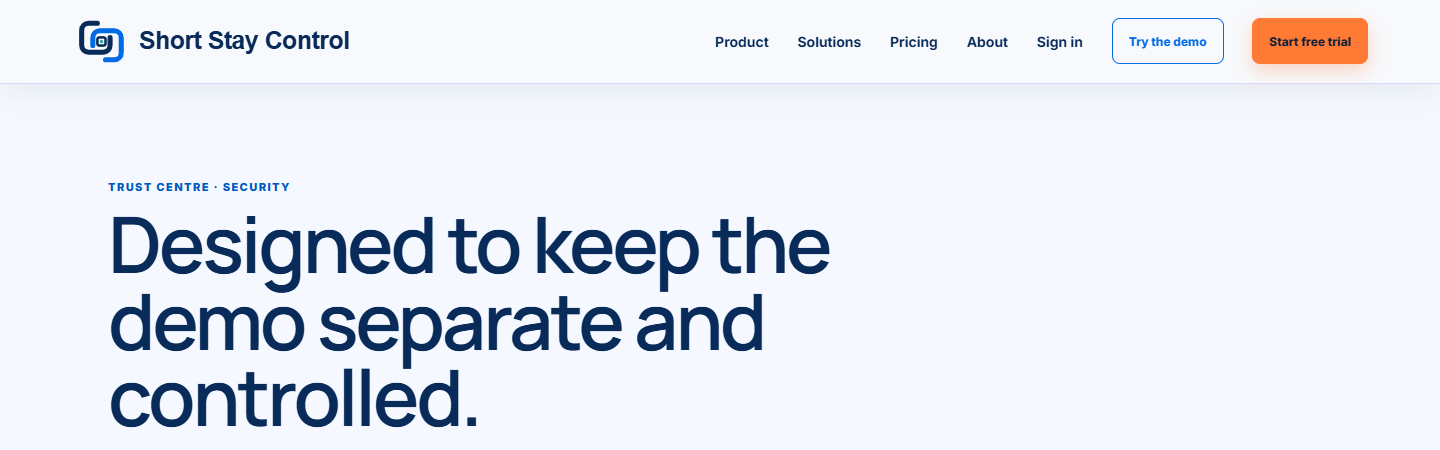
Figure 1. The public security page, as locally rendered on 13 October 2026.
What you will see
The page is headed "Designed to keep the demo separate and controlled." It states that the claims describe implemented controls, not a certification. The demo uses invented data and has no live Hostaway credentials or external write ability.
If something goes wrong
- If you need a security claim that is not on the page, ask the team rather than assuming it is in place.
- If your demo link has expired, request another. An expired signed link does not mean your customer workspace has changed.
- See the [privacy notice](39-privacy-and-cookies.md) for information handling and retention questions.