
Help guides · Before you sign up
Find the service terms
- For
- People choosing a plan, Owners and administrators
- Booking system
- Hostaway and Uplisting
- Last checked
The terms explain the agreement for business use of the website, demo and subscription service.
Steps
- Open Terms and Conditions from the footer or sign-up page.
- Read who the terms cover and what service the selected plan includes.
- Read the parts on payment, cancellation, data and responsibilities before agreeing at sign-up.
- Keep a copy of the terms that apply when you subscribe.
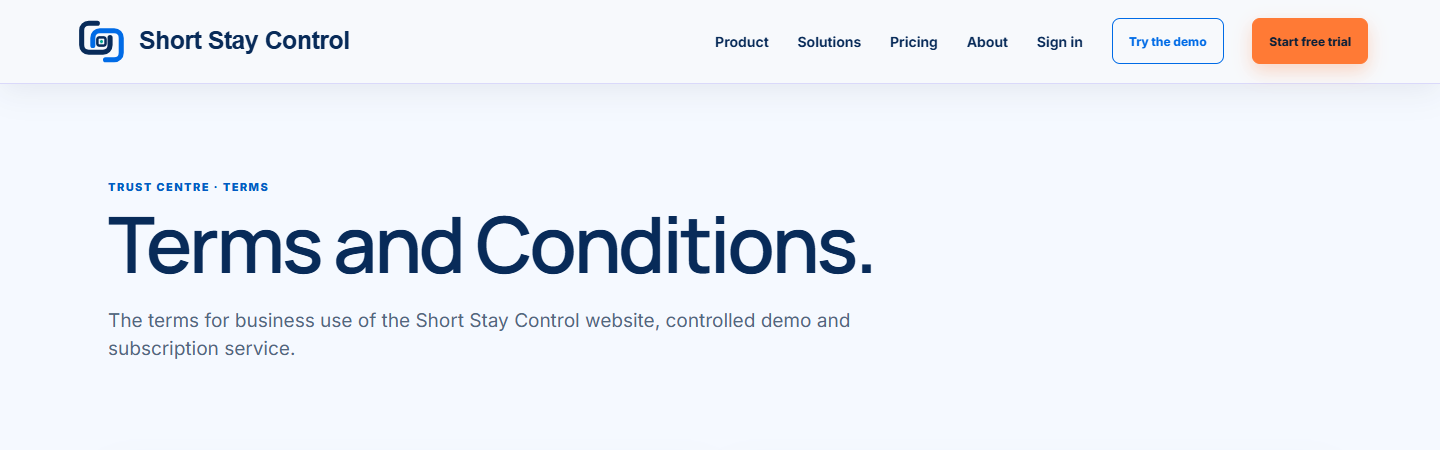
Figure 1. The heading of the public terms page.
What you will see
The page is headed "Terms and Conditions." It explains that the service is for businesses and professional serviced accommodation operators. The selected plan and order confirmation define what is included.
If something goes wrong
- If the terms seem different from a checkout or order confirmation, stop before agreeing and ask for clarification.
- If you need to understand how a refund request is handled, open [Cancellation and refunds](42-cancellation-refunds.md).
- Use the contact details on the terms page for a question about the agreement.