
Help guides · Before you sign up
Find your way around the website
- For
- People choosing a plan
- Booking system
- Hostaway and Uplisting
- Last checked
The public website explains what Short Stay Control does, shows pricing and lets you request a guided demo before signing up.
Steps
- Open shortstaycontrol.com.
- Use Product and Solutions to see the available screens and workflows.
- Open Pricing to choose a property count and read the current price.
- Select Try the demo to explore invented data, or Sign in if you already have a workspace.
- Use the footer for terms, privacy, security and other policies.
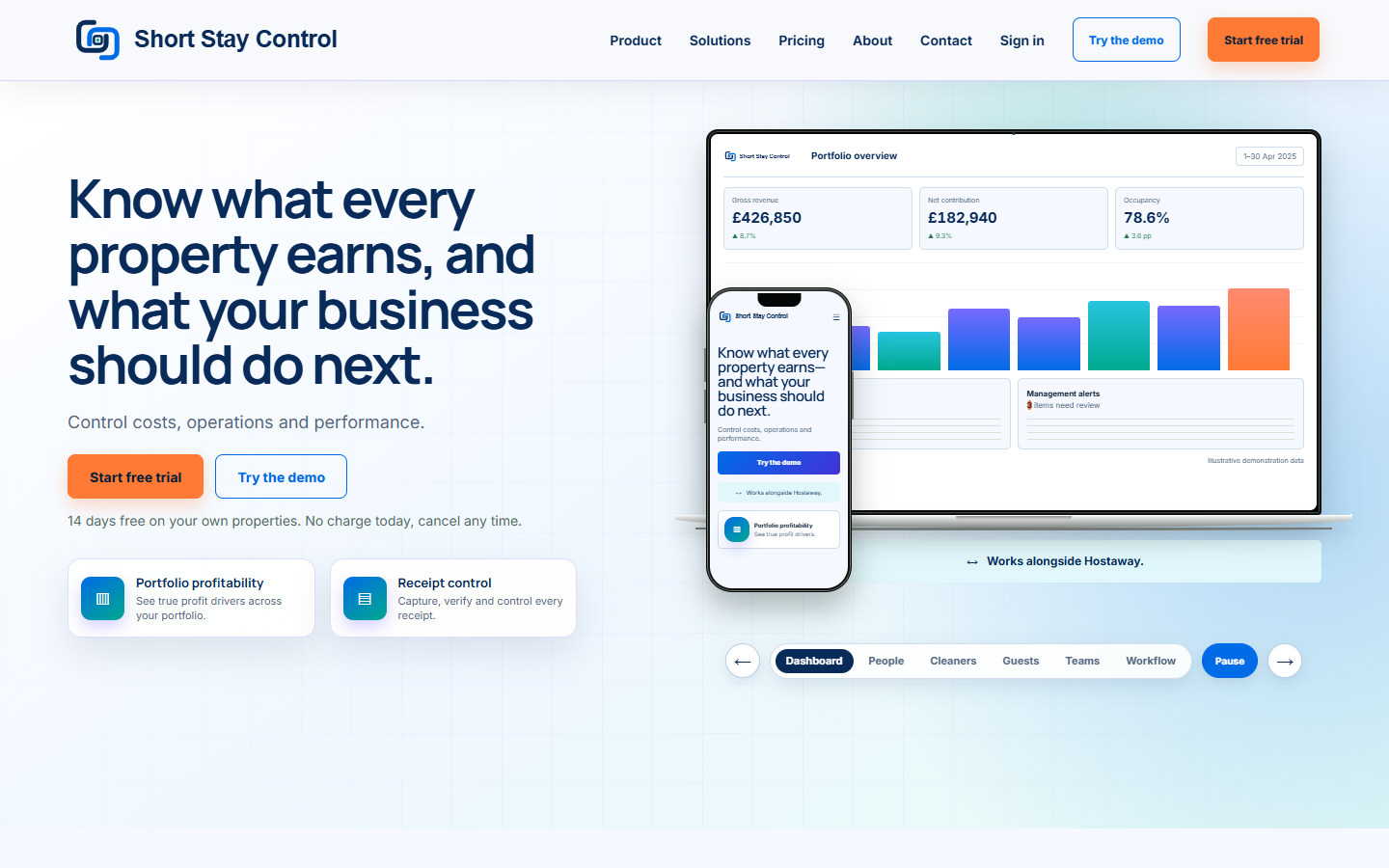
Figure 1. The public website. No customer account is shown.
What you will see
The website separates information for prospective customers from the signed-in app. Blog pages, where published, are public articles. A demo is a simulation and never connects to your Hostaway or Uplisting account.
If something goes wrong
- If Sign in leads to a page asking for an email and password, use the address you confirmed when you started your workspace.
- If a demo link says "This demo link has expired.", request a new guided demo.
- If a page is missing, use the public contact options or [Get help](35-getting-help.md) when signed in.